How to Set Anomaly Thresholds for CPA Spikes: A Practical Guide for Agencies
Cost per acquisition (CPA) spikes can throw off your marketing budget, mislead your team, and frustrate your clients. For agencies managing multi-channel campaigns, timely detection and diagnosis of these anomalies are critical. But how do you set meaningful anomaly thresholds for CPA spikes without drowning in noise?
In this guide, we'll unpack the process of establishing normal ranges and alert rules to catch CPA spikes early, using tools like GA4 and Google Search Console (GSC). We’ll also explore how emerging multi-agent AI technologies from companies like Reportz.io and Suprmind can make anomaly detection smarter and more actionable for agency workflows.
What Is Multi-Agent AI? Explained in Plain English
Before diving into anomaly thresholds, it helps to understand why AI can enhance your reporting setup. In the simplest terms, multi-agent AI refers to a system where multiple AI “agents” work collaboratively to complete complex tasks.
- Single-agent AI - One AI system trying to do everything at once (like a lone analyst).
- Multi-agent AI - Several AI agents, each specializing in a part of the task and coordinating with each other (like a team of analysts with different expertise).
For example, one agent might track traffic patterns via GA4, another could analyze keyword trends from GSC, and a third might prioritize which CPA spikes need urgent attention based on past campaign performance.
Orchestrator and Role-Based Agents
Think of the orchestrator as the supervisor AI that assigns tasks and gathers findings from various specialized agents, much like how an account manager oversees a team.
- Orchestrator: Coordinates data inputs and outputs from all agents.
- Role-Based Agents: Focused on specific tasks like anomaly detection, budget optimization, or creative performance analysis.
This division of labor lets agencies scale anomaly detection and reporting with better accuracy and efficiency.
Single-Agent vs Multi-Agent AI: Tradeoffs for Agencies
Aspect Single-Agent AI Multi-Agent AI Focus One model tries to handle all data and decisions. Specialized agents handle discrete aspects collaboratively. Complexity Simple to implement but limited in scope. More complex integration but higher precision and flexibility. Scalability Struggles with cross-channel or multi-client portfolios. Scales well across multiple data sources and clients. Use Case Fit Smaller campaigns or single-channel setups. Best for agencies managing multi-client, multi-channel portfolios.For agencies, the ability to orchestrate multiple AI agents can turn CPA anomaly detection from a manual chore into an automated, insightful process. Tools from Reportz.io and Suprmind are leading players integrating multi-agent AI into marketing reporting, allowing teams to define custom alert rules and track normal performance ranges easily.
Why Marketing Reporting is the Best-Fit Use Case for Multi-Agent AI
Marketing data is:
- Highly multi-dimensional (channels, campaigns, keywords, devices)
- Volatile and seasonal with many external influences
- Time-sensitive for optimization decisions
- Distributed across multiple platforms and data sources
Multi-agent AI excels because it can parse complex, varied inputs and flag anomalies like CPA spikes based on patterns across these dimensions. For instance, IBM Technology’s recent YouTube series demonstrated how AI orchestrators can synthesize disparate marketing signals into clear alerts, enabling faster review workflows and targeted optimizations.
Step-by-Step Guide: Setting Anomaly Thresholds for CPA Spikes
We’ll now walk through a practical approach to define CPA anomaly thresholds and create a reliable alert and review workflow using GA4, GSC, and multi-agent AI-enhanced dashboards.
Step 1: Sanity-Check Date Ranges and Time Zones
This is where many fall off the rails. Always start by confirming that your data sources (GA4, GSC) are set to consistent date ranges and correct time zones. Mismatches here cause misleading spikes or dips.
- Match GA4 reporting timezone to your client’s business location.
- Use steady date windows — for example, last 7, 14, or 30 days compared to previous periods.
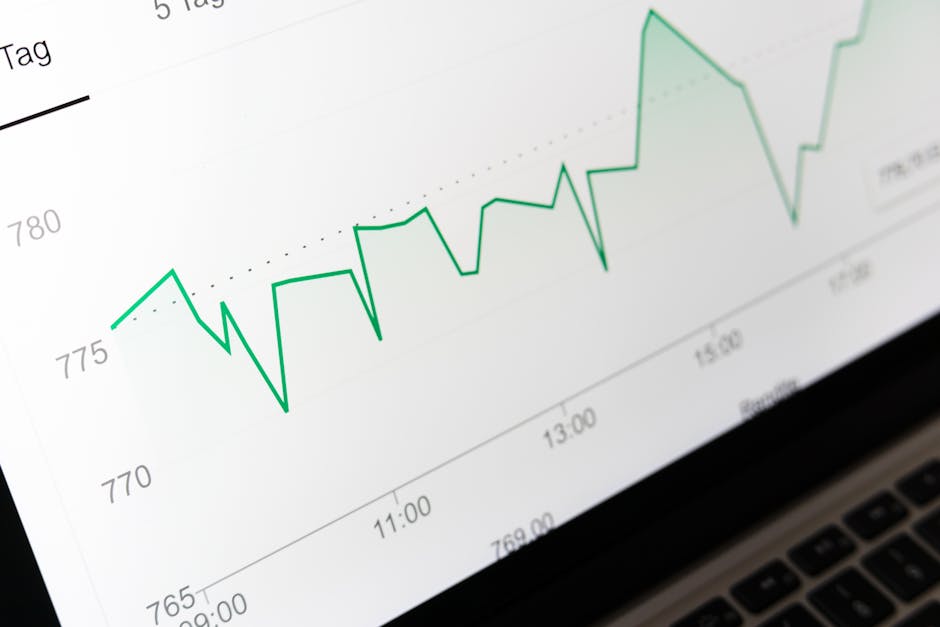
Step 2: Define “Normal Ranges” of CPA
Normal ranges establish what’s expected before flagging an anomaly.
- Calculate average CPA over stable past periods (e.g., last 30 days excluding obvious outliers).
- Determine variability — standard deviation or percentile ranges are useful metrics.
- Use GA4’s built-in anomaly detection insights or export data to dashboard builders like Reportz.io to visualize trends.
For example, if last 30 days show an average CPA of $50 with a standard deviation of $5, then anything best client reporting portal exceeding $60-$65 might be suspicious.
Step 3: Establish Alert Rules with Multi-Agent AI Support
Alert rules activate notifications only when thresholds breach the normal ranges. Here’s how multi-agent AI helps:
- One agent continuously analyzes recent CPA trends from GA4.
- Another checks contextual signals like impression trends or keyword ranking shifts from GSC.
- The orchestrator aggregates these insights and suppresses false positives (e.g., CPA rises due to a seasonally higher bid volume).
Configure alerts to trigger:
- CPA spike above defined threshold for two consecutive days
- CPA spike accompanied by a drop in conversion rate or traffic
- Budget delivery falling behind or overspending noticed simultaneously
Step 4: Set Up a Review Workflow
Receiving an alert is just the beginning. A human approval step is essential to validate whether action is needed.
- Alert received: Identify the specific campaign, channel, and date range.
- Investigate with cross-platform tools: Look into GA4 real-time data, GSC keyword performance, and Google Ads spend graphs.
- Consult multi-agent AI insights: Review automated context and recommendations from your dashboard.
- Decide on action: Pause underperforming ads, reallocate budgets, or raise with the creative team.
- Document findings: Use reporting software like Reportz.io to annotate causes and follow-ups for client transparency.
This human-in-the-loop check prevents "mystery numbers" from alarming clients without explanation — a critical practice I recommend as part of every QA checklist.
Bonus Tips: Integrating GA4 and GSC Data for Smarter Alerts
- GA4: Track the conversion event count, CPA, and traffic source performance. Use GA4’s Explore tool for funnel visualizations.
- Google Search Console: Monitor impressions, average position, and CTR for branded and non-branded keywords impacting conversions.
- Cross-reference anomalies: A CPA spike paired with a GSC impression drop could indicate keyword ranking issues downward affecting traffic quality.
- Use multi-agent AI dashboards from Suprmind or Reportz.io to centralize cross-channel data, eliminating dashboard sprawl and uncertainty about sources.
Conclusion: Set Anomaly Thresholds That Work
Setting anomaly thresholds for CPA spikes requires both data rigor and workflow discipline. By starting with accurate baseline normal ranges, layering role-based AI agents to contextualize alerts, and folding insights into an explicit human review step, agencies can confidently flag and fix CPA issues before clients notice.
Leverage GA4 and GSC together for comprehensive input data. Then adopt multi-agent AI-enabled tools like Reportz.io and Suprmind to orchestrate detection and alerting smartly — a method underscored by innovations from IBM Technology.
Remember, your final goal isn’t just to spot anomalies but to embed those learnings in a repeatable, client-friendly process that delivers clarity and trust.

Author’s Note: From years as an account manager turned systems lead, I emphasize always sanity-checking date ranges and time zones upfront, avoiding alerts without source links, and having strict human approvals before client reporting. These steps cut down wasted effort and build client confidence in your monthly reports.